When looking for design reference sites to help you build a website, it is more useful to choose references that fit your goal than to collect attractive screens at random. The right source depends on the problem you are trying to solve—layout, color, typography, interaction, or something else.
A good design reference is more than a gallery of beautiful screens. It is a practical learning tool that lets you observe how other designers solved a problem, understand why they made certain choices, and adapt those ideas to your own project.
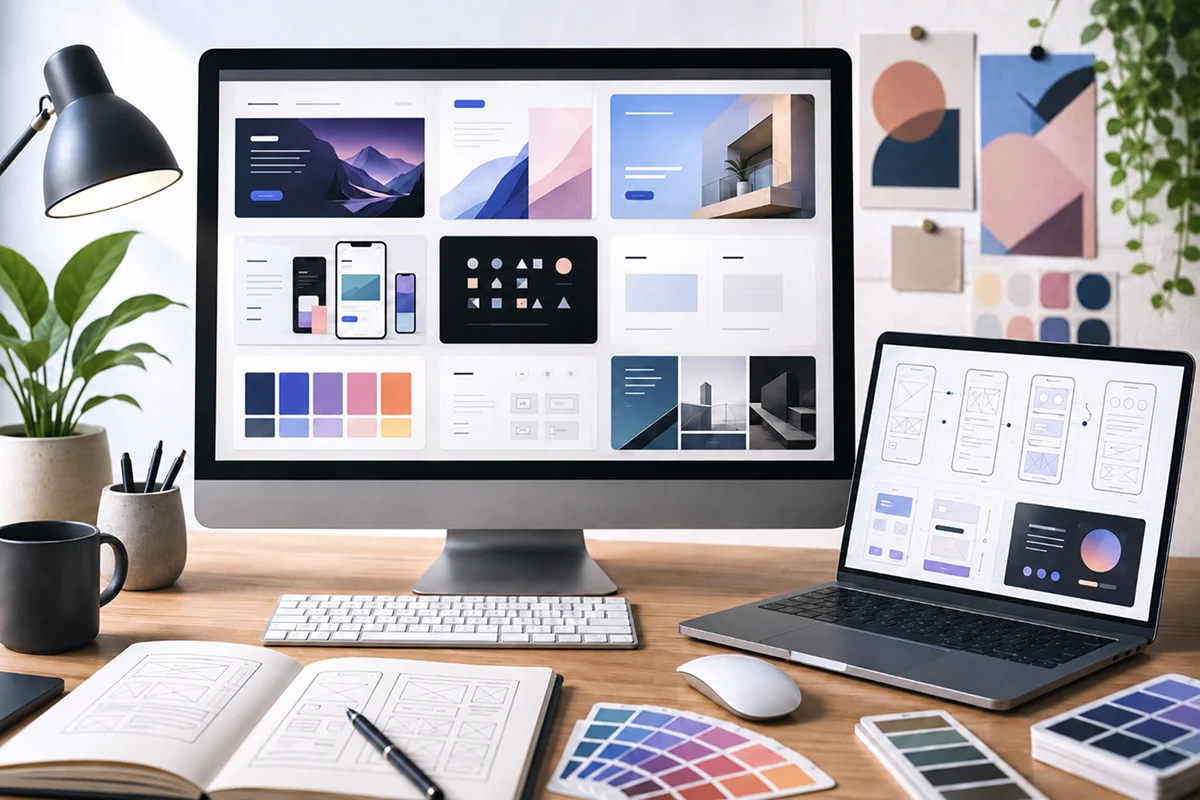
This article introduces six useful web design reference sites for different purposes, from early-stage inspiration and Korean design trends to analyzing polished, real-world websites.
Decide What You Need Before Browsing Design References
If you browse reference sites without a clear purpose, it is easy to save one beautiful image after another and never use any of them in your project. Before opening a site, summarize what you need in a single question.
- Do you need an overall brand mood?
- Are you looking for the structure of a specific screen or component?
- Do you want to study interactions and page transitions?
- Are you researching design trends for Korean users?
- Do you want to improve your sense of typography and image placement?
Once you define your purpose, you can look beyond the surface and examine the reasoning behind each design decision.
1. Behance — Explore Design Projects from Around the World
Behance is a portfolio platform where designers and studios from around the world publish their work. In addition to web design, it features branding, graphic design, illustration, photography, motion design, and many other creative fields.
One of Behance's strengths is that many projects present more than a single finished screen. They often explain the background, process, color palette, typography, and real-world applications as one cohesive story. It is especially useful for studying how a brand and its website can share a consistent visual language.
How to use it
- Explore an overall mood and visual direction at the beginning of a project
- Study how branding and web design connect within the same industry
- Learn how designers structure and explain portfolio case studies
2. Dribbble — Find Screen and Component Ideas Quickly
Dribbble is a portfolio site that makes it easy to browse visually condensed work such as UI screens, icons, and illustrations. Searching for specific terms such as login, dashboard, checkout, or mobile app lets you compare many ideas in a short time.
It is also convenient when you need inspiration for smaller UI elements such as buttons, cards, and navigation. However, many posts focus on a visually impressive single screen, so you should not assume that every concept has been validated for usability or a complete product flow. Use it for visual inspiration, then redesign the idea around your own users and goals.
How to use it
- Collect ideas for a specific screen or UI component
- Compare current approaches to color, shadows, spacing, and other visual details
- Explore several possible design directions in a short session
3. Notefolio — Discover Korean Designers and Local Visual Culture
Notefolio is a great platform for discovering portfolios by Korean designers and creators. Many projects reflect Korean brands and cultural contexts, offering a practical perspective that can be difficult to find on global platforms.
It is particularly helpful for studying Korean typography, visual expressions familiar to local users, and the imagery and color choices used by Korean brands. You can also expand your visual vocabulary by exploring adjacent fields such as editorial design, packaging, and illustration alongside web and app projects.
How to use it
- Study typography and layouts centered on Korean text
- Find a visual language that works for Korean brands and users
- Examine how Korean designers organize their portfolios
4. Awwwards — Analyze Polished Websites and Interactions
Awwwards is a web design platform that showcases outstanding websites based on criteria such as design, usability, creativity, and content. Because you can visit the live sites, you can examine not only static visuals but also scroll animations, micro-interactions, page transitions, and responsive behavior.
It is an excellent resource for expanding your understanding of what is possible on the web. Still, the dramatic interactions seen on award-winning sites are not suitable for every product. Consider content delivery speed, accessibility, and performance, and choose only the elements that support your project's purpose.
How to use it
- Analyze storytelling and scroll flow on landing pages
- Observe how interactions guide the user's attention
- Compare the experience across desktop and mobile screens
5. Gapsy Studio Blog — Learn How to Evaluate Design
Gapsy Studio Blog goes beyond showcasing finished work by publishing articles about UI, UX, and the design process. It has personally been a helpful resource while studying design.
The articles can help you think about why a design works and how to analyze a project from a more informed perspective. If you want to move beyond collecting references and develop stronger reasoning behind your design decisions, it is well worth reading.
How to use it
- Study design principles and UI/UX concepts through written guides
- Understand design decision-making through practical examples
- Build the vocabulary needed to analyze and explain references
6. Monthly Design — Follow Korean Design Trends Like a Magazine
Monthly Design is a Korean publication where you can explore industry trends and a wide range of projects through editorial articles. Rather than serving as a tool for finding a specific UI pattern, it is best used to follow broader changes in design culture and the creative industry.
Because it covers branding, spaces, products, graphics, and more, it can also inspire ideas beyond web design. It is a good choice if you want magazine-style content that helps you keep up with design trends in Korea.
How to use it
- Follow recent developments in Korea's design industry and brands
- Expand your ideas by exploring design fields beyond the web
- Learn more about designers and studios that interest you
Recommended Uses at a Glance
- Behance: Complete project processes and brand mood
- Dribbble: UI screens and component ideas
- Notefolio: Korean designers and Korean-language work
- Awwwards: Live websites and interactions
- Gapsy Studio Blog: Design thinking and practical learning
- Monthly Design: Korean design trends and industry stories
Good References Are Not Meant to Be Copied
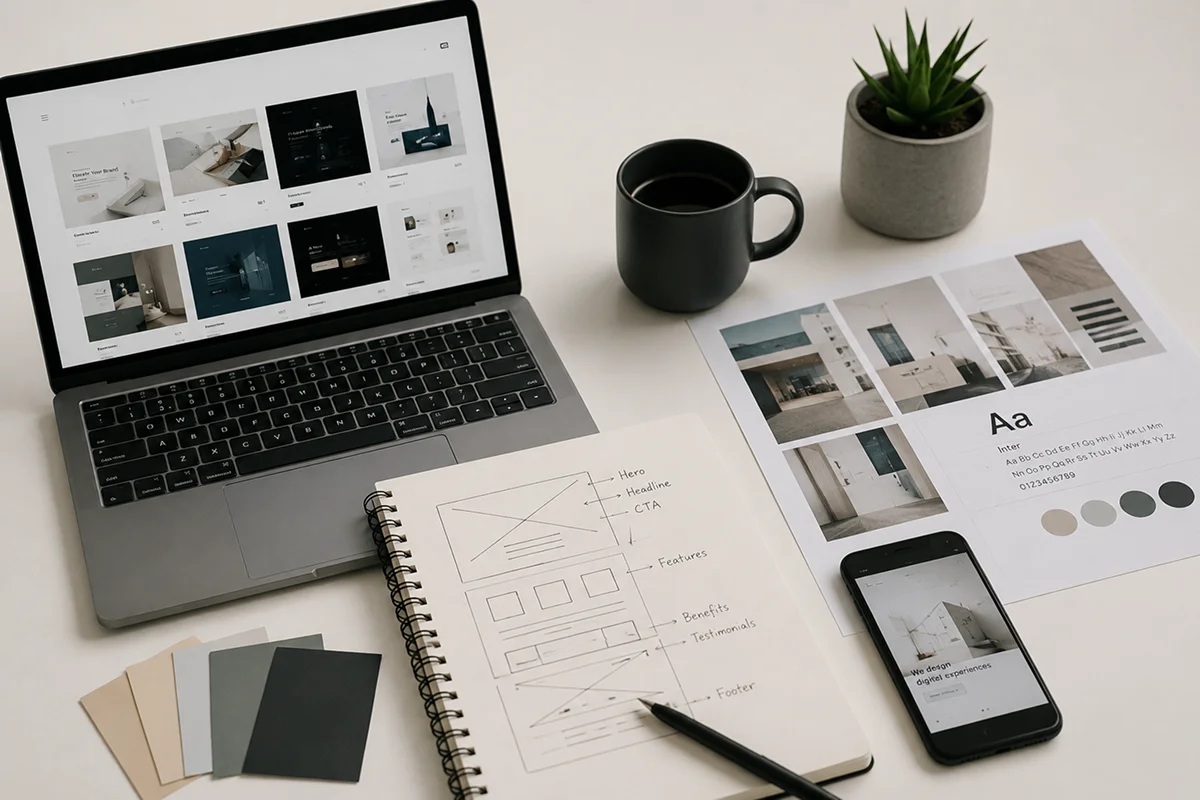
Using references does not mean recreating a screen exactly as it appears. The important step is to break down what you liked and decide whether the same choice makes sense for your project.
If a layout catches your attention, examine its information hierarchy and spacing. If you like the colors, analyze how many colors are used and how contrast is handled. If an interaction feels impressive, ask whether it is merely decorative or whether it helps users understand what to do next.
By using the sites in this article according to your purpose, collecting references can become more than saving images—it can become a habit that genuinely improves your design skills.