



1
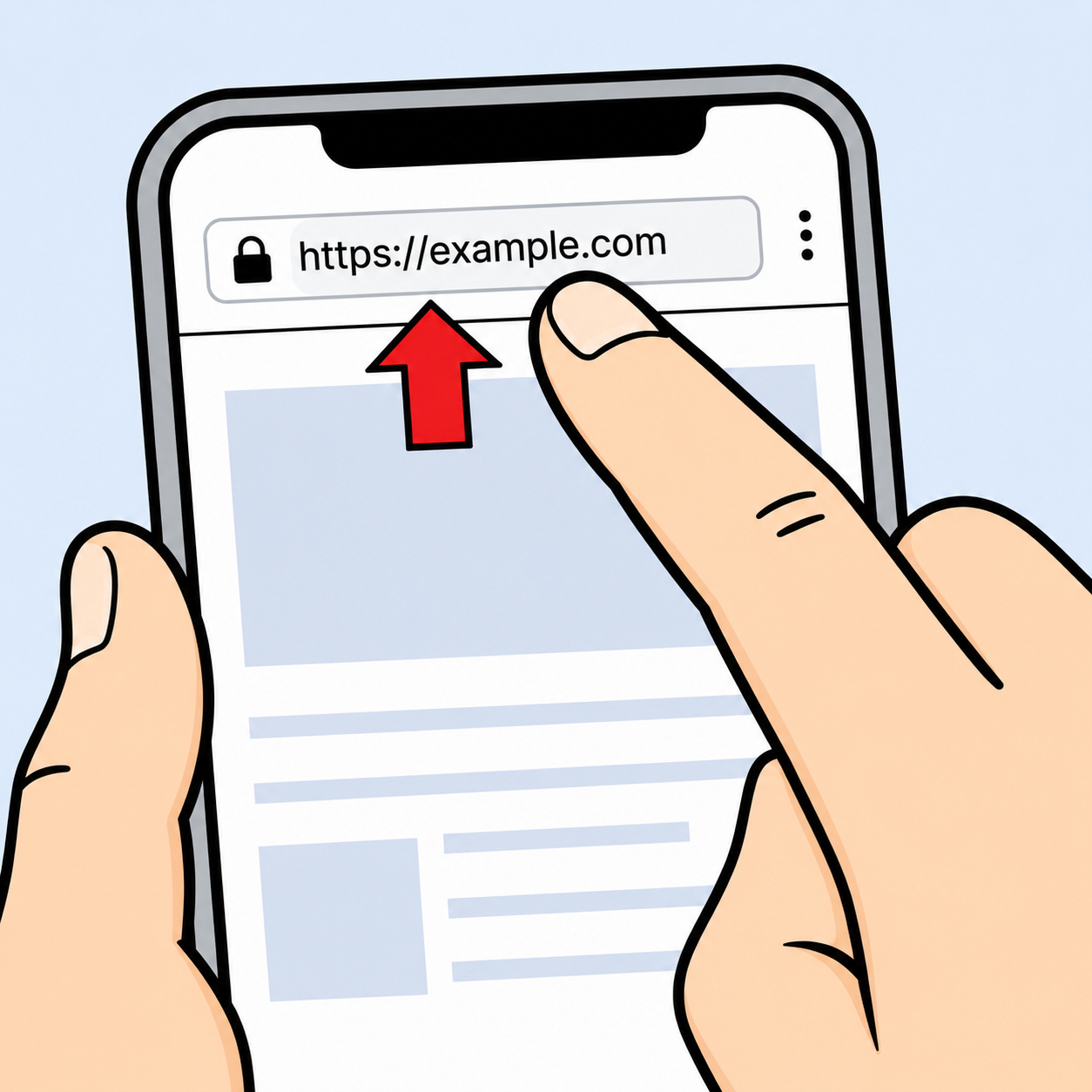
Copy a website URL
Copy the address of the website you want to save.
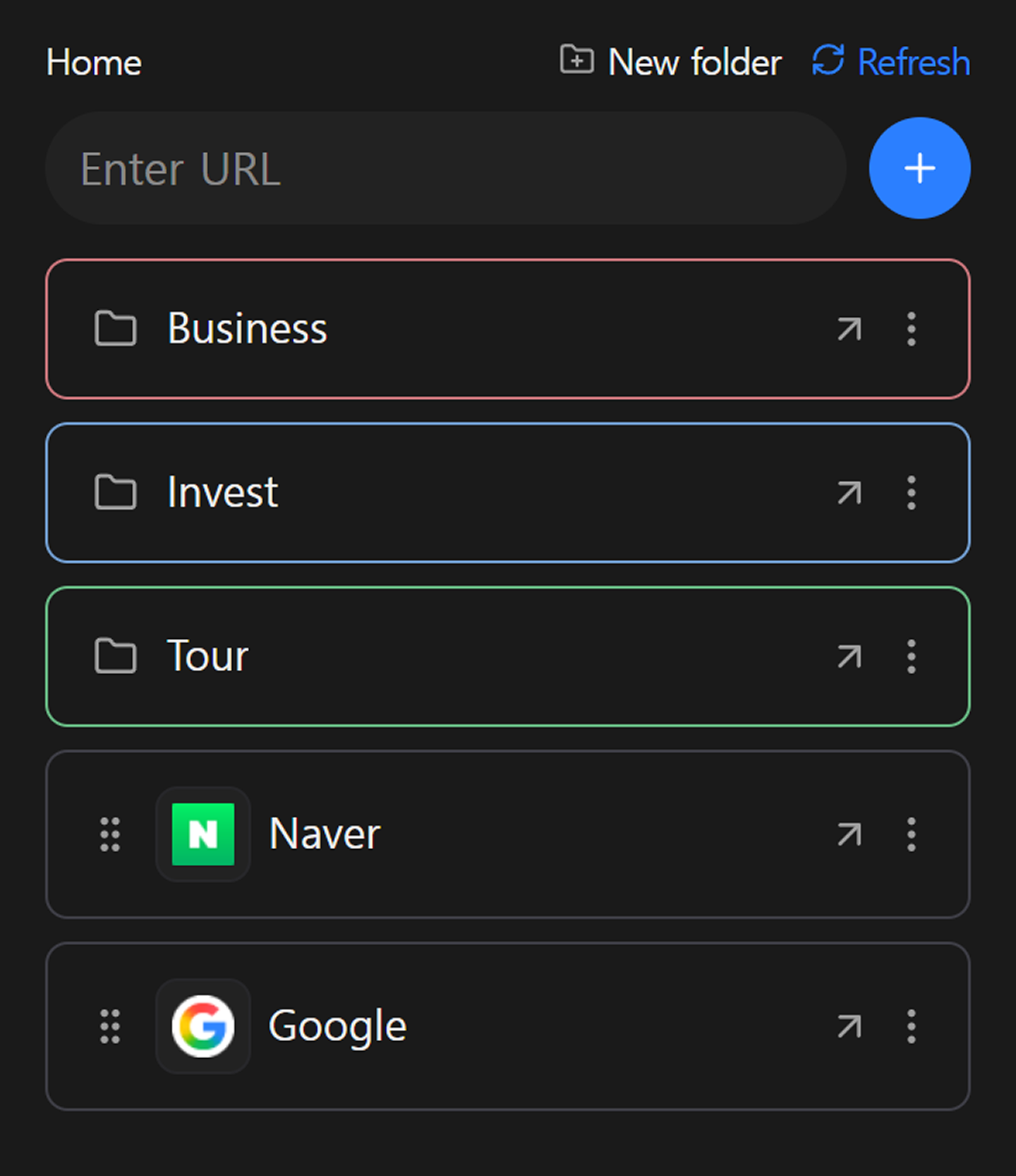
Save, organize, and access your bookmarked URLs across mobile and desktop.

1
Copy the address of the website you want to save.
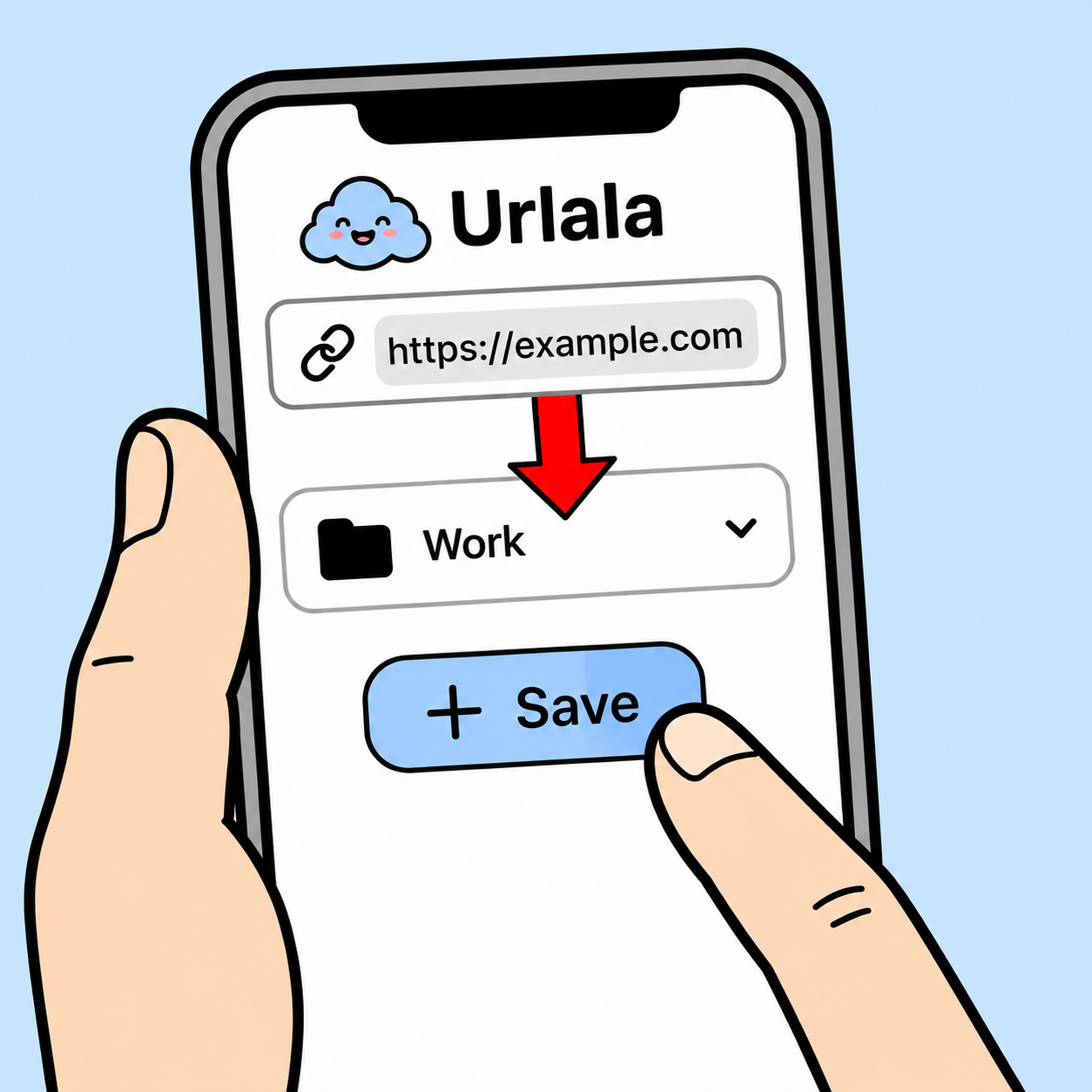
2
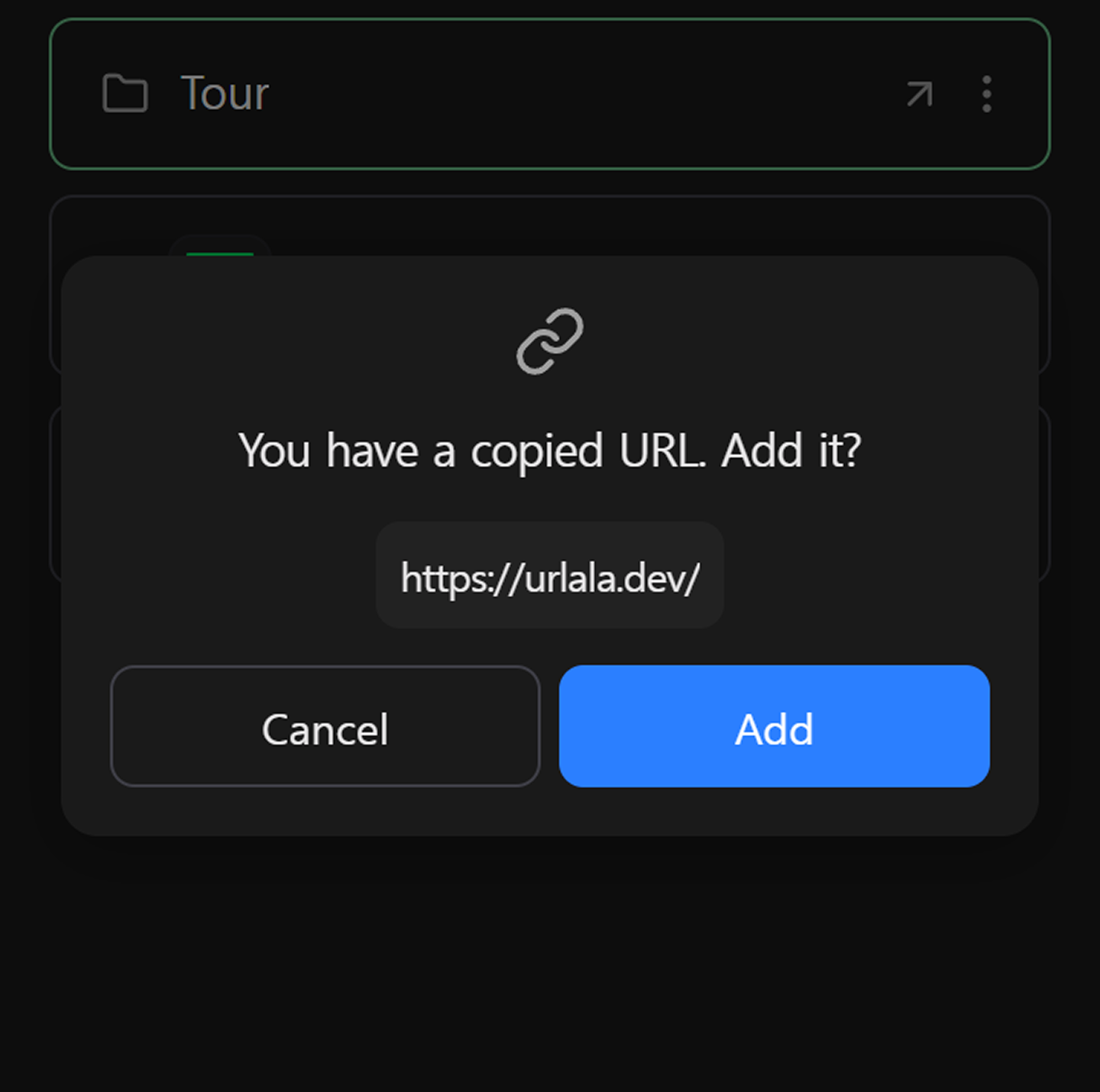
Add the copied URL to Urlala and organize it in the folder you want.
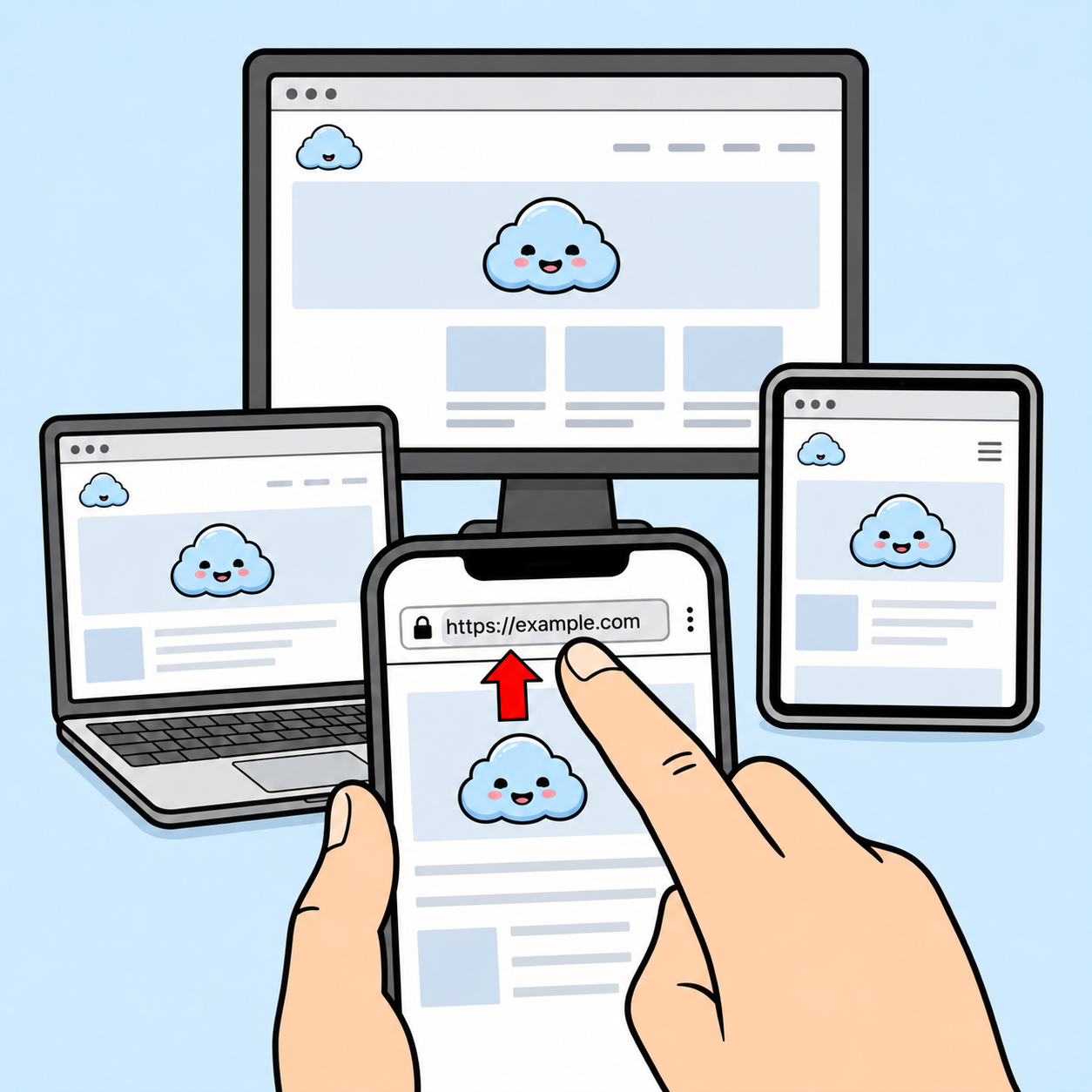
3
Click a saved URL whenever you want to visit it again.

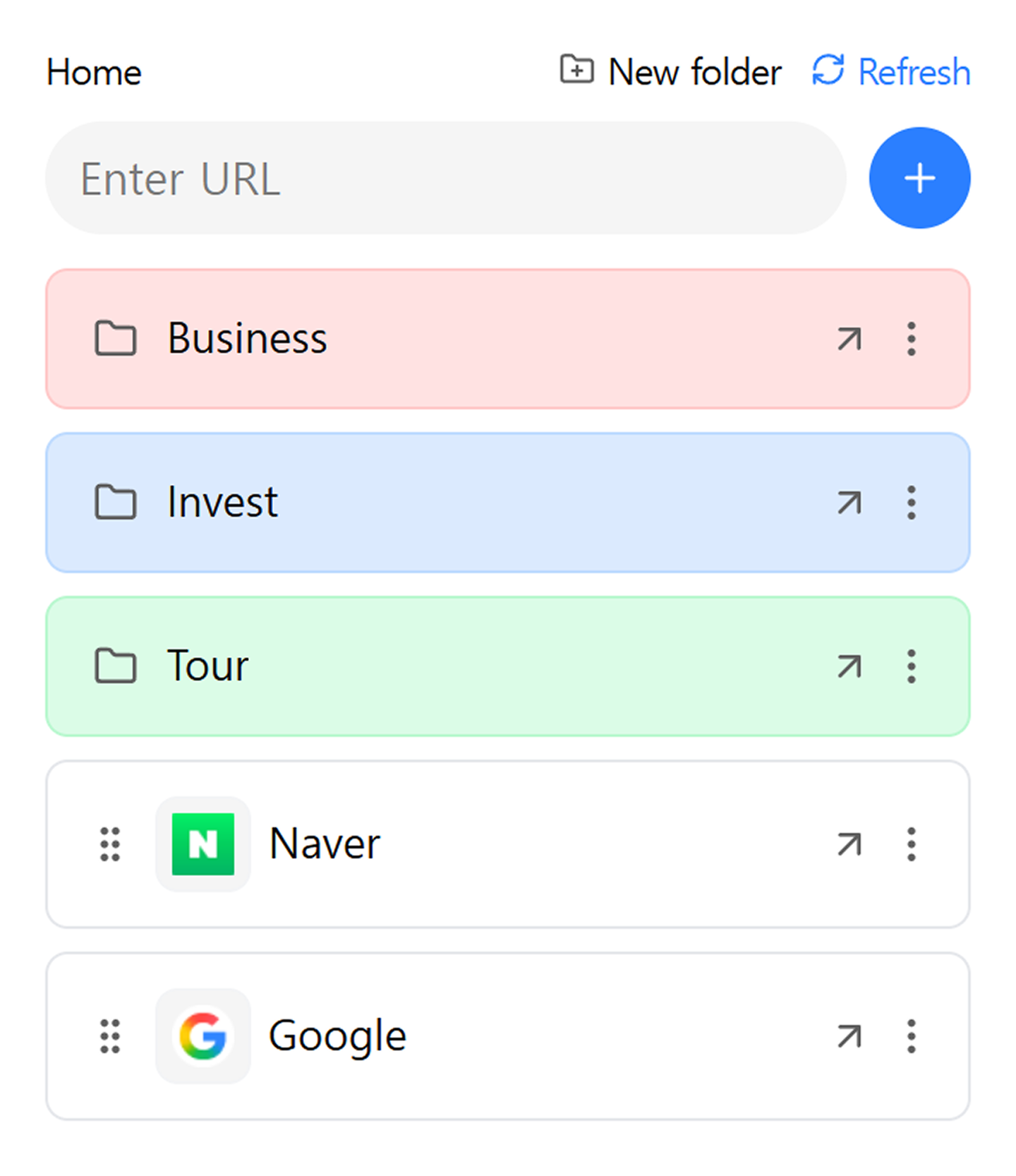
Sort countless links into folders and manage bookmarks with drag-and-drop.
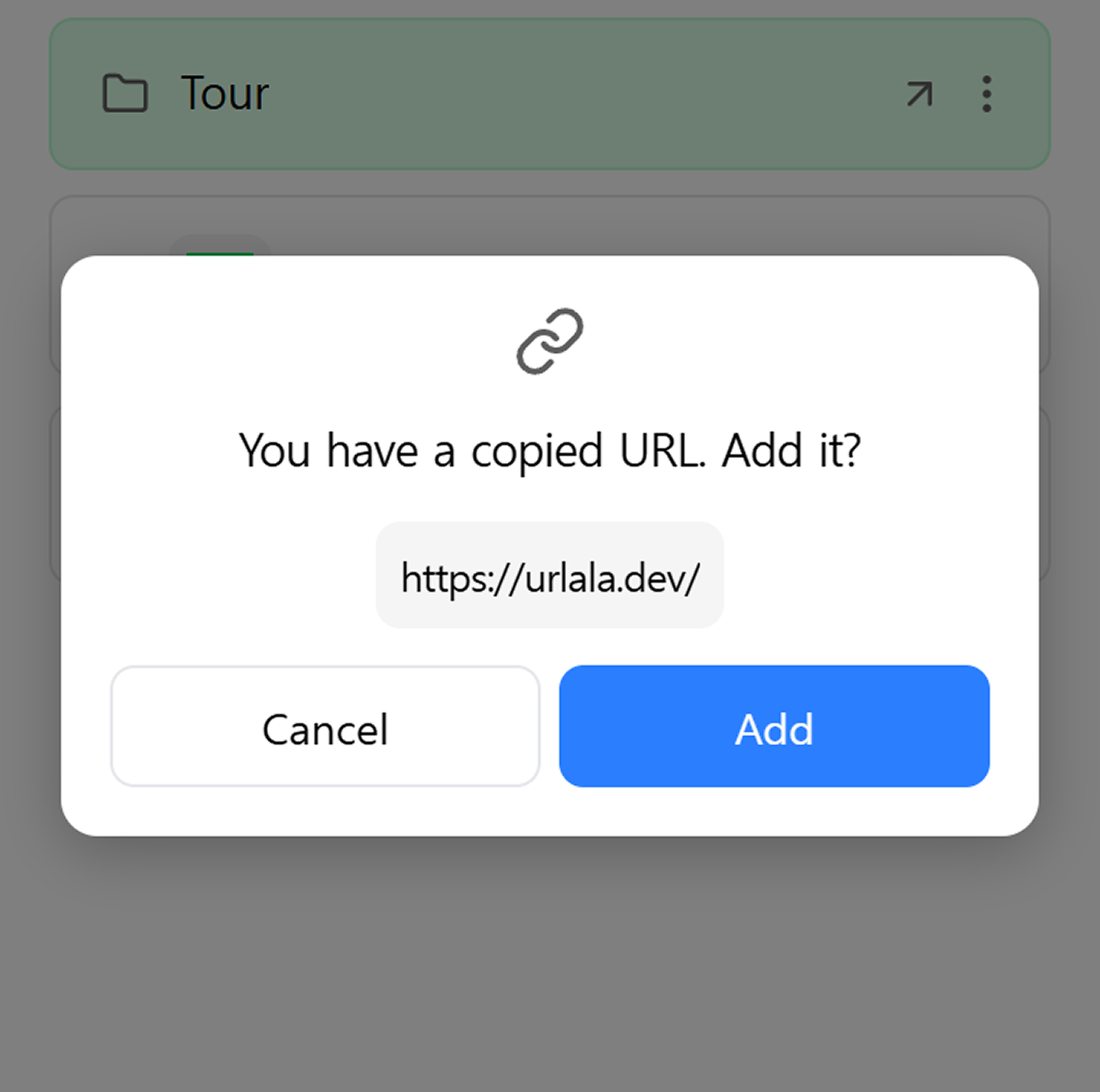
After copying a link, open Urlala and it can detect the link automatically so you can add it quickly.
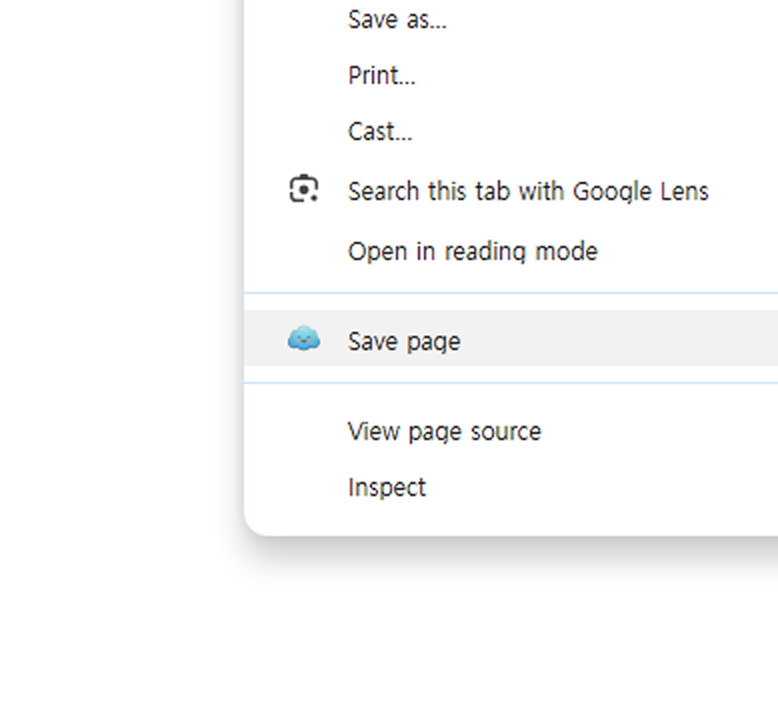
Install Urlala from the Chrome Web Store and bookmark comfortably on your PC.
When you log in, your data is saved to the server and can sync across multiple devices.