
At work, small tasks often take up more time than expected. You may need to check the spelling in an email before sending it, find a special character for a document, make a quick image edit, or combine several PDFs into one file.
Searching for a tool every time interrupts your flow. Each search may take only a minute, but repeating it several times a day quickly becomes frustrating. That is why it helps to organize the free work tools you use most often in a dedicated bookmark collection.
In this article, we will introduce five useful websites you can open instantly without installing extra software, plus Urlala, a bookmark app that helps you keep them all in one place.
1. QuillBot Docs — Draft and polish English writing in one place
QuillBot Docs gives you a browser-based workspace for drafting and refining English text. Its writing tools, including grammar checking and paraphrasing, are close at hand while you work, making it useful for reviewing emails, announcements, reports, and other business copy.
Paste in a draft or start a new document, then review awkward phrasing, grammar, and word choice before sending it. This can be especially helpful when an English message needs to sound clear and professional.
As with any automated writing suggestion, review each change in context. Keep company names, product terms, figures, and the intended meaning consistent with the original.
2. CopyChar — Copy special characters with one click
CopyChar brings commonly used characters together in one searchable page. You can browse categories such as punctuation, math, currency, symbols, arrows, and emoji, then click a character to copy it to your clipboard.
It is handy when you need an em dash, copyright sign, check mark, arrow, or another character that is difficult to find on your keyboard. Search by name or browse a category, copy the character you need, and paste it directly into a document, message, presentation, or blog post.
3. Photopea — A free online image editor with no installation required
Photopea is a free image editor that runs directly in your browser. Along with basic tasks such as cropping and resizing, it supports layers, masks, blending, and opening or saving PSD files.
For jobs like updating a date on an internal announcement image or resizing a photo for a presentation, you can often skip installing a heavy desktop editor. Photopea states that files are processed locally on your device, so there is no need to wait for an upload.
If your company has its own security policy, check those rules before opening any work files.
4. Iconify — A large open-source icon collection for when you need one fast
Iconify lets you search multiple open-source icon sets in one place. With more than 300,000 vector icons available, it is a useful resource for proposals, presentations, and web interfaces.
Its search results make it easy to compare common icons such as folders, users, and notifications and choose one that fits the style of your project.
Keep in mind that Iconify and the individual icon sets have separate licenses. Before using an icon in company materials or a commercial product, review the license for the specific set you selected.
5. iLovePDF — Combine multiple PDFs online
iLovePDF Merge PDF is useful when you need to combine several PDF files into a single document. Add your files, drag them into the desired order, and merge them.
It works well for combining meeting materials with appendices or assembling sections created by several contributors into one final document. It is also convenient because no installation is required.
Because the files are processed through an online service, check your organization's security policy before uploading documents containing personal information or confidential company data.
6. Urlala — Organize frequently used work websites in one place
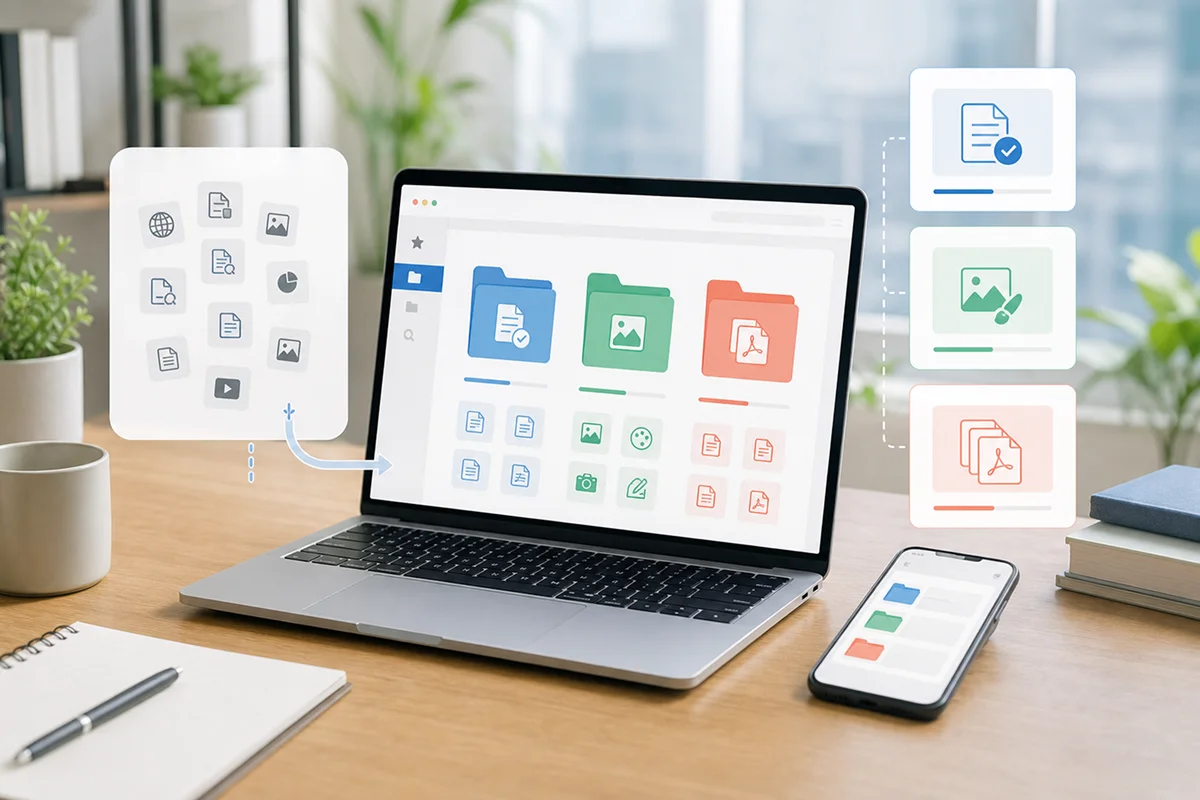
Even if you know a useful website exists, you may end up searching for it again when you cannot remember the address. By saving links in Urlala, you can organize them into folders for spelling, image editing, icons, PDFs, and other purposes.
Your saved links are available on both mobile and desktop. Urlala also supports folder sorting and drag and drop, while its browser extension lets you save links directly from your computer. Sign in with your work account to sync bookmarks across devices.
For example, you could organize your folders like this:
- Writing: QuillBot Docs, CopyChar
- Image work: Photopea, Iconify
- File management: iLovePDF
Instead of leaving every useful website open in another browser tab, save it to Urlala and keep your workspace tidy. Add only the links you need whenever you discover a new work-tool recommendation, and your own collection of free productivity tools will grow naturally.
Working smarter often starts with small preparations
Improving productivity at work does not always require another paid service. Simply organizing the websites you repeatedly search for and opening them exactly when you need them can help you stay focused.
Start by bookmarking the tools from this list that you expect to use most often. Productivity tips only become useful when they are easy to reach every day—and that small habit can save real time at work.